
What is the shield for?
A stop method calculated on the chart (bands, zones, pivots…) can produce an absurd result: a stop on the wrong side, a first target closer than the stop, an oversized risk. The shield button (🛡, “TP / SL safeguards”) sets a consistency check applied to each signal before it is displayed and before alerts are sent.
How the checks work
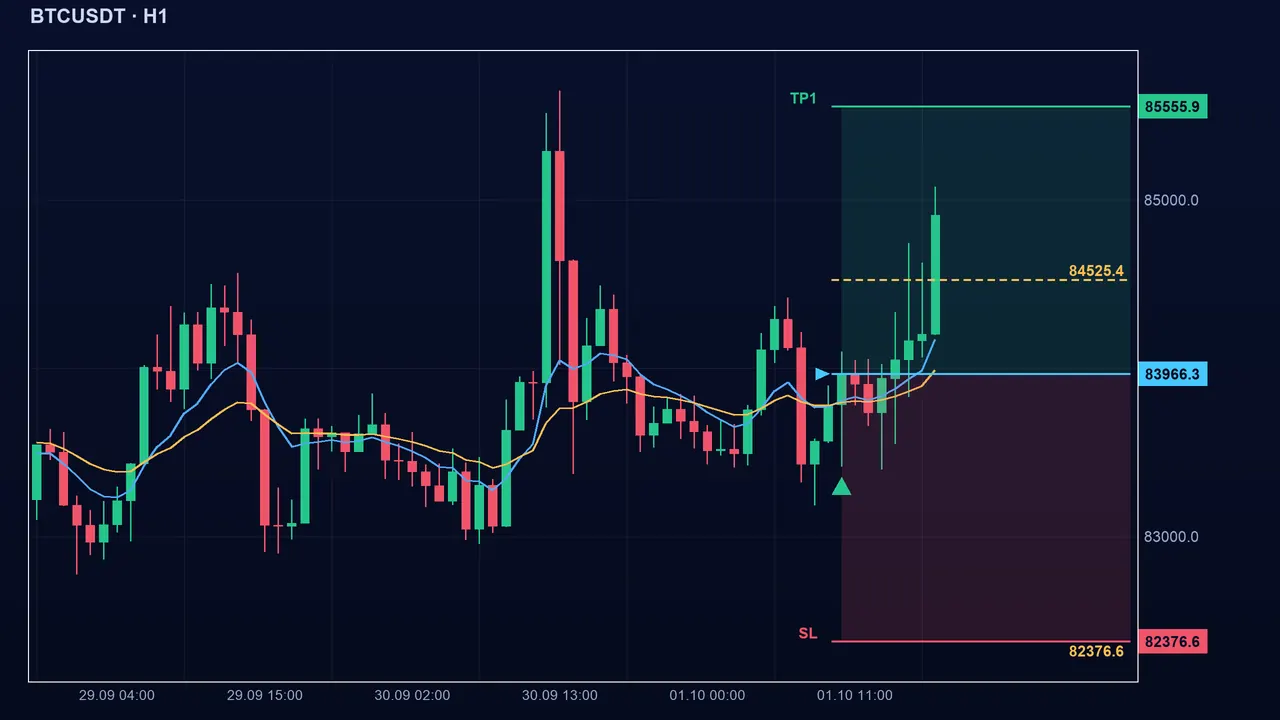
Basic check, for all methods: the stop must be on the losing side and at least 0.1 ATR from the entry; otherwise it is replaced by 1.5 ATR. For explicit-ratio methods (ATR, Swing, Ratio, Fixed, Candles, MA exit), that is all: it only checks that TP1 is on the right side and TP2 is beyond TP1 (otherwise TP1 = 1 times the risk, TP2 = TP1 + 1 times the risk). Your ratios are kept.
For methods calculated on the market (Bollinger, Support/resistance, Harmonic, Zones, Pivots, Fibo extension, Chandelier, Structure, MA stop), the full safeguards apply if guardOn = 1 (default): maximum stop maxSlAtr (0 = unlimited), TP1 at least minRR1 times the risk (1), TP2 at least minRR2 times (2) and at least 0.5 risk beyond TP1. The guardMode setting chooses the correction: 1 = move the TP away (default), 2 = bring the SL closer.
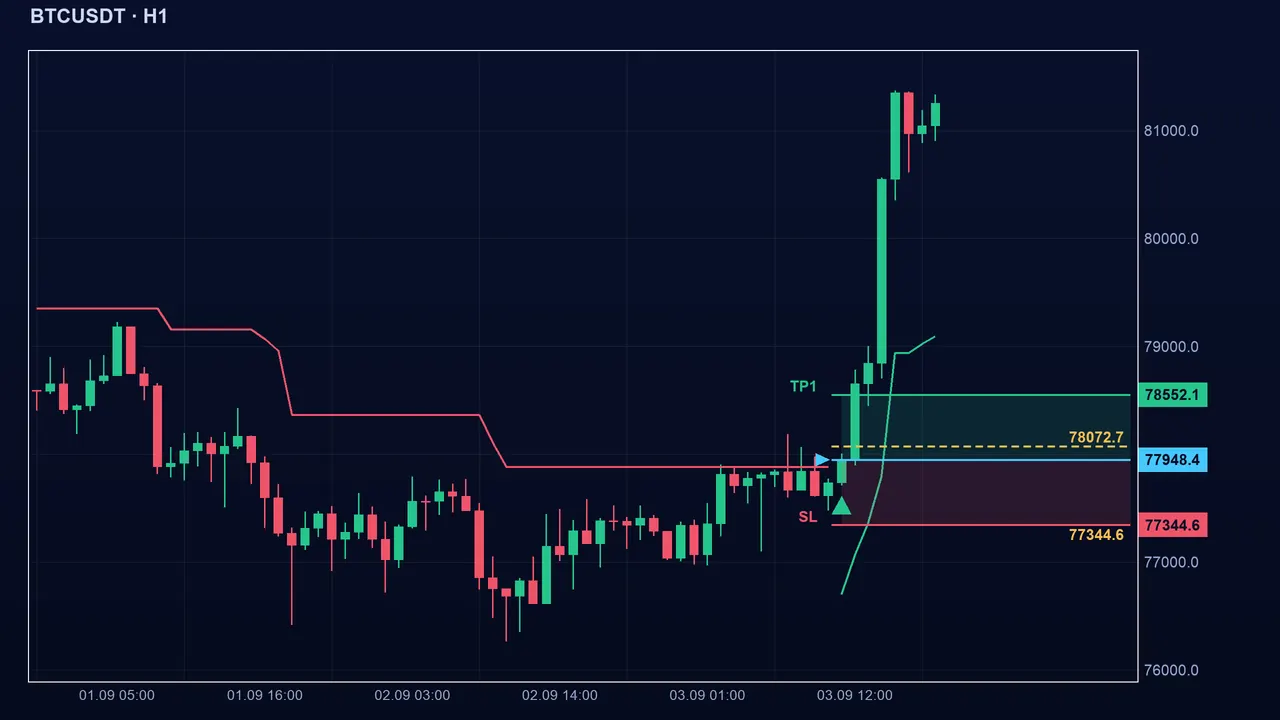
Reading the effect on a signal
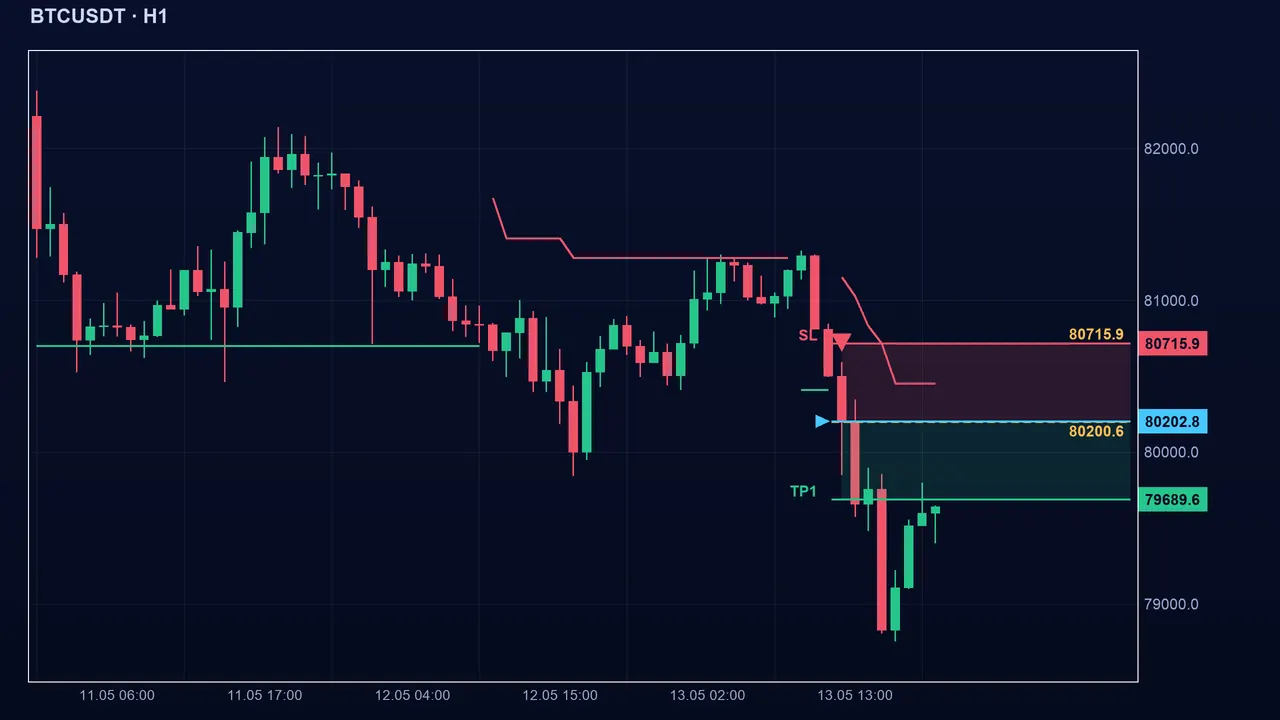
Both modes hold the minimum ratio, but differently: mode 1 leaves the stop where the method put it and pushes the targets farther (reached less often); mode 2 tightens the stop (hit sooner) and keeps the method’s targets. Neither improves the quality of the signal itself.
The settings
- guardOn (default 1): 1 = full safeguards on the relevant methods, 0 = only the basic checks.
- minRR1 (default 1) and minRR2 (default 2): minimum TP1 and TP2 as multiples of the risk.
- maxSlAtr (default 0): maximum stop in ATR; 0 = no limit. Beyond it, the stop is brought back to that distance.
- guardMode (default 1): 1 = move the TP away, 2 = bring the SL closer when TP1 is too close.
The pitfalls
Key takeaways
- Basic check for all methods: stop on the right side and more than 0.1 ATR from the entry, otherwise 1.5 ATR.
- Full safeguards only on methods calculated on the market; ATR, Swing, Ratio, Fixed, Candles and MA exit keep their ratios.
- Mode 1: move the TP away; mode 2: bring the SL closer.
- maxSlAtr limits the risk in ATR, but not for explicit-ratio methods.
📝 Lesson test
Log in to take this lesson’s test. Once you have passed all the tests, you will receive a certificate in your name.
Log inThese lessons are for understanding and are not investment advice. No method guarantees winning.